Workflow
How ScopeApproval turns extra website work into written approval.
Paste the original scope, describe the new request, set the price and timeline, then send a client approval packet before starting the work.
Start with the original scope
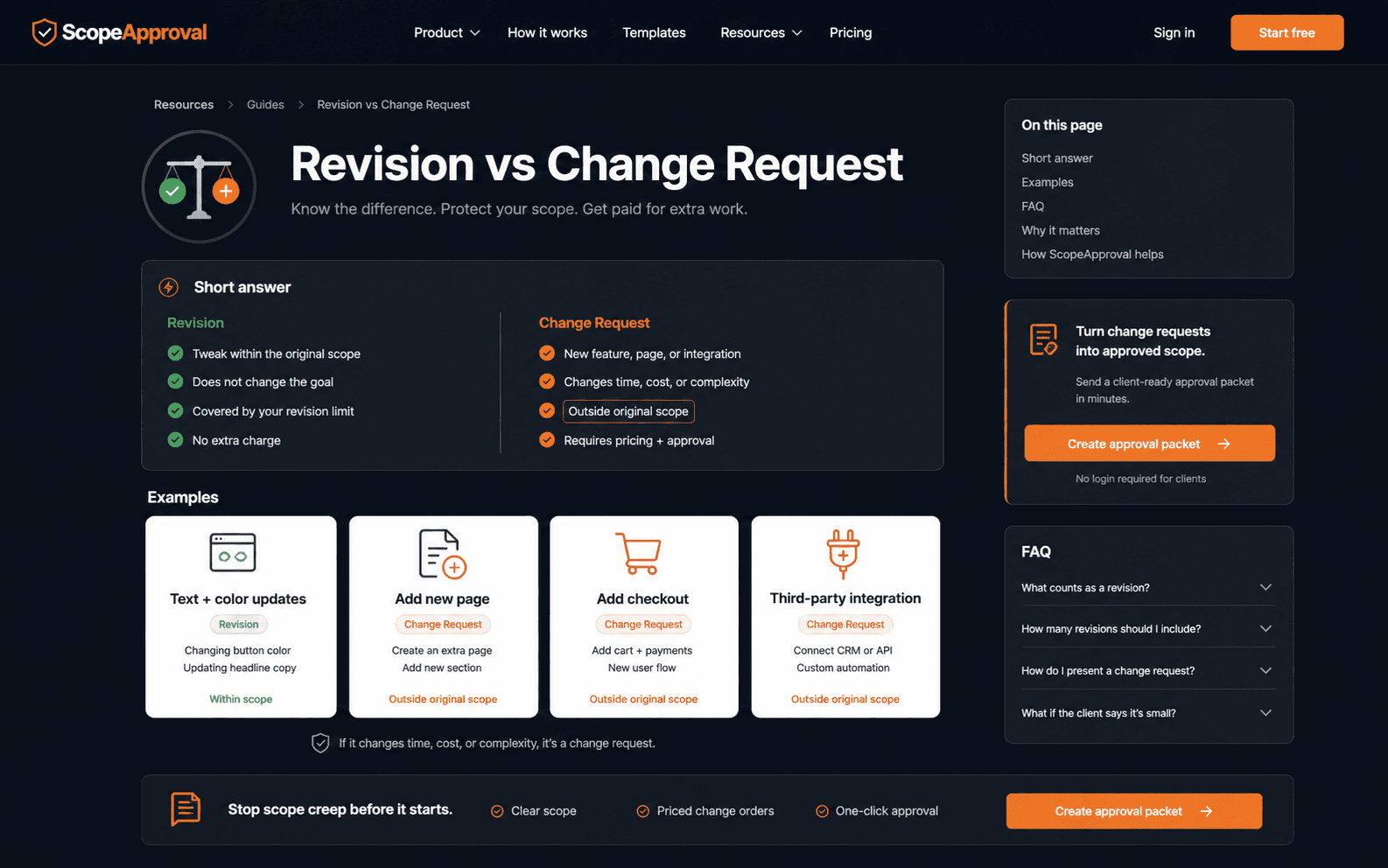
Scope creep gets messy when nobody can point to the line. ScopeApproval starts by restating what was included, so the new request can be treated as a normal business change instead of a personal confrontation.
Name the new request clearly
A request for login, checkout, CMS editing, extra pages, or another revision round should be described as new work. The copy stays calm: this is outside the original scope, and you can absolutely do it once approved.
Attach price and timeline before work starts
Hourly or flat fee, ScopeApproval turns the numbers into a client-ready change order with an additional investment and revised delivery date.
Send the approval packet
Your client opens the packet, enters their name and email, and clicks approve. You get a record you can keep with the PDF instead of hunting through Slack later.